
What is AISKOOL? A tour of the platform
A tour of AISKOOL: what a community contains, how the AI host works, what is free and paid, and where creators and members each work.
AISKOOL is a platform for running an online community around something you teach, with a focus on teaching AI. This tour covers what a community contains, the AI host, what costs money, and where creators and members each work.
What a community contains
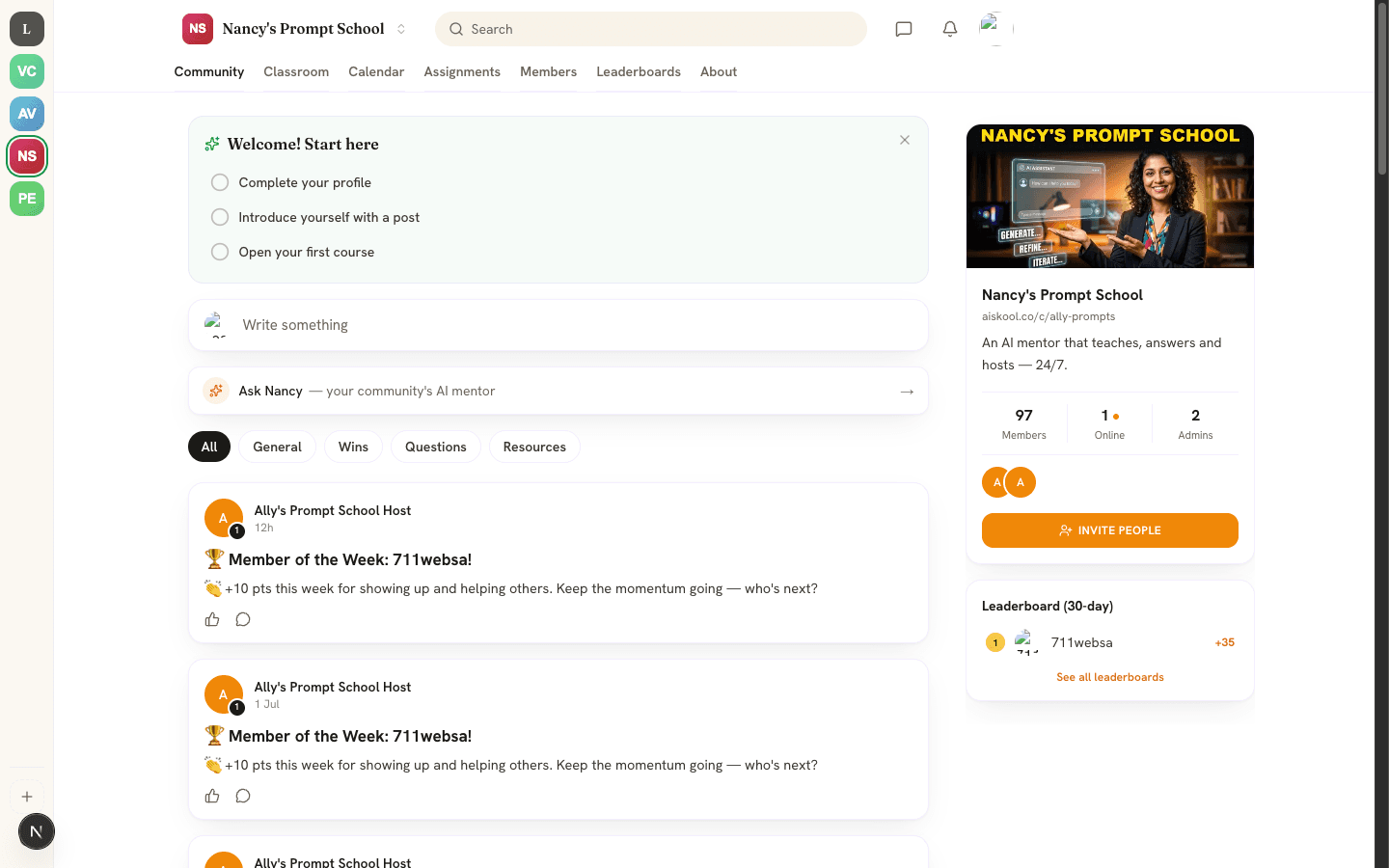
Each community is its own space. Members move between its sections with the tabs along the top.
- Community is the feed. Members post, comment and react.
- Classroom holds courses made of lessons, with progress tracking and a certificate at the end.
- Calendar lists events and live classes. You answer Going, Maybe or Can't.
- Assignments are tasks that members submit and creators grade.
- Members shows owners and admins how active each member is.
- Leaderboards rank members by points. Posts, comments, likes and finished lessons earn points, and points set your level.
- Chat, the speech bubble at the top right, has channels and direct messages.
The AI host
Each community starts with a resident AI host. It answers questions in the feed and in direct messages, welcomes new members, posts a daily tip and shouts out top contributors each week. Members reach it with the Ask shortcut above the feed.
Creators teach the host in the AI Brain, which reads websites, documents and pasted FAQ text. They set its name and personality in the AI Agent studio. The host uses the community's AI credits unless the creator adds their own key.
What is free and what is paid
- Members join free communities at no cost. A creator can charge for entry or lock a course to a paid tier. Paid tiers start at $5 a month.
- Creators pay $9 a month per community, after a 7-day free trial, with $2 a month of AI included. See Pricing for the Lifetime ($399 once) and Agency ($99 a month) plans.
- When a member pays a creator, Stripe's fee comes off first. The creator keeps 96% of the rest and AISKOOL keeps 4%.
Where members and creators work
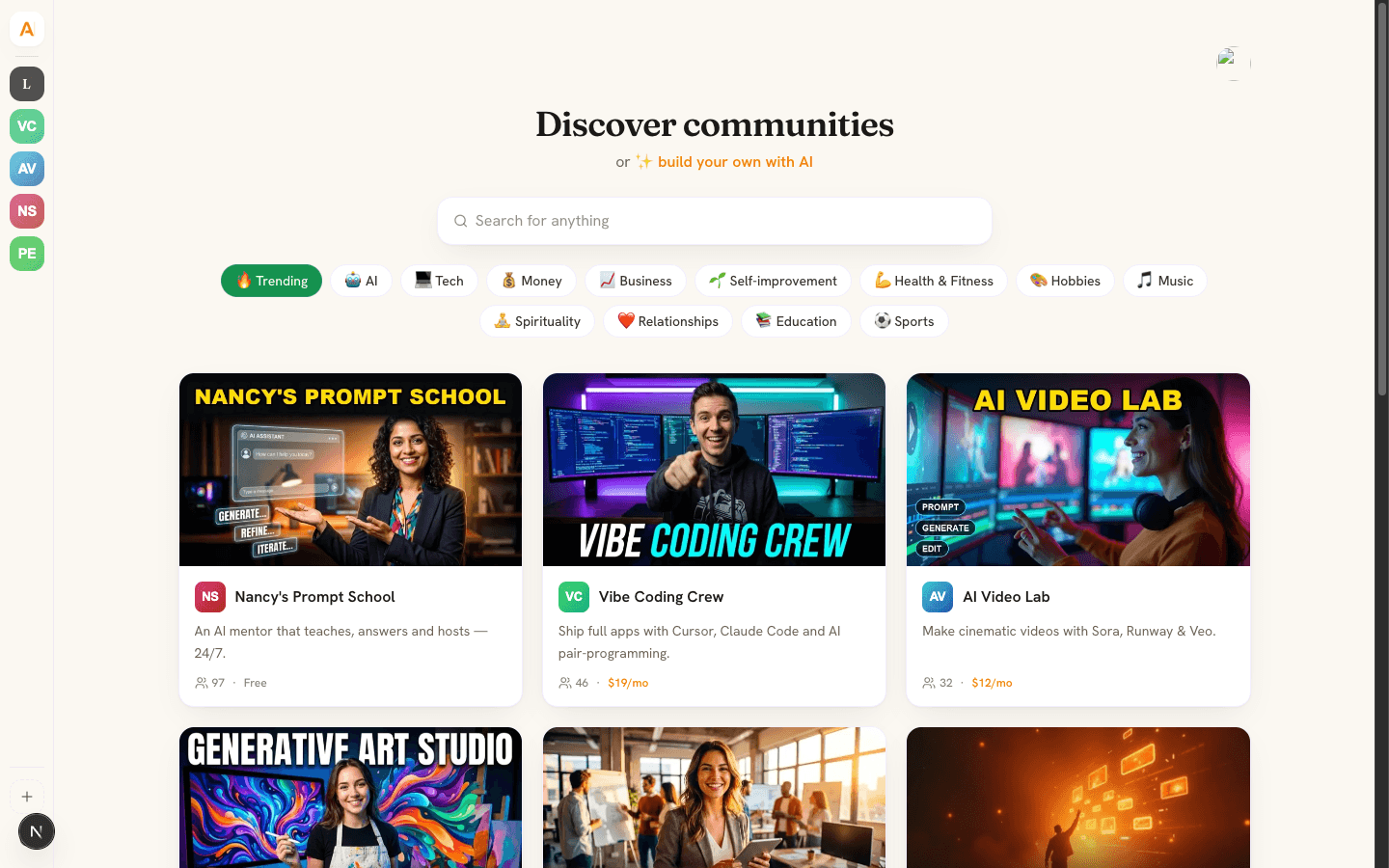
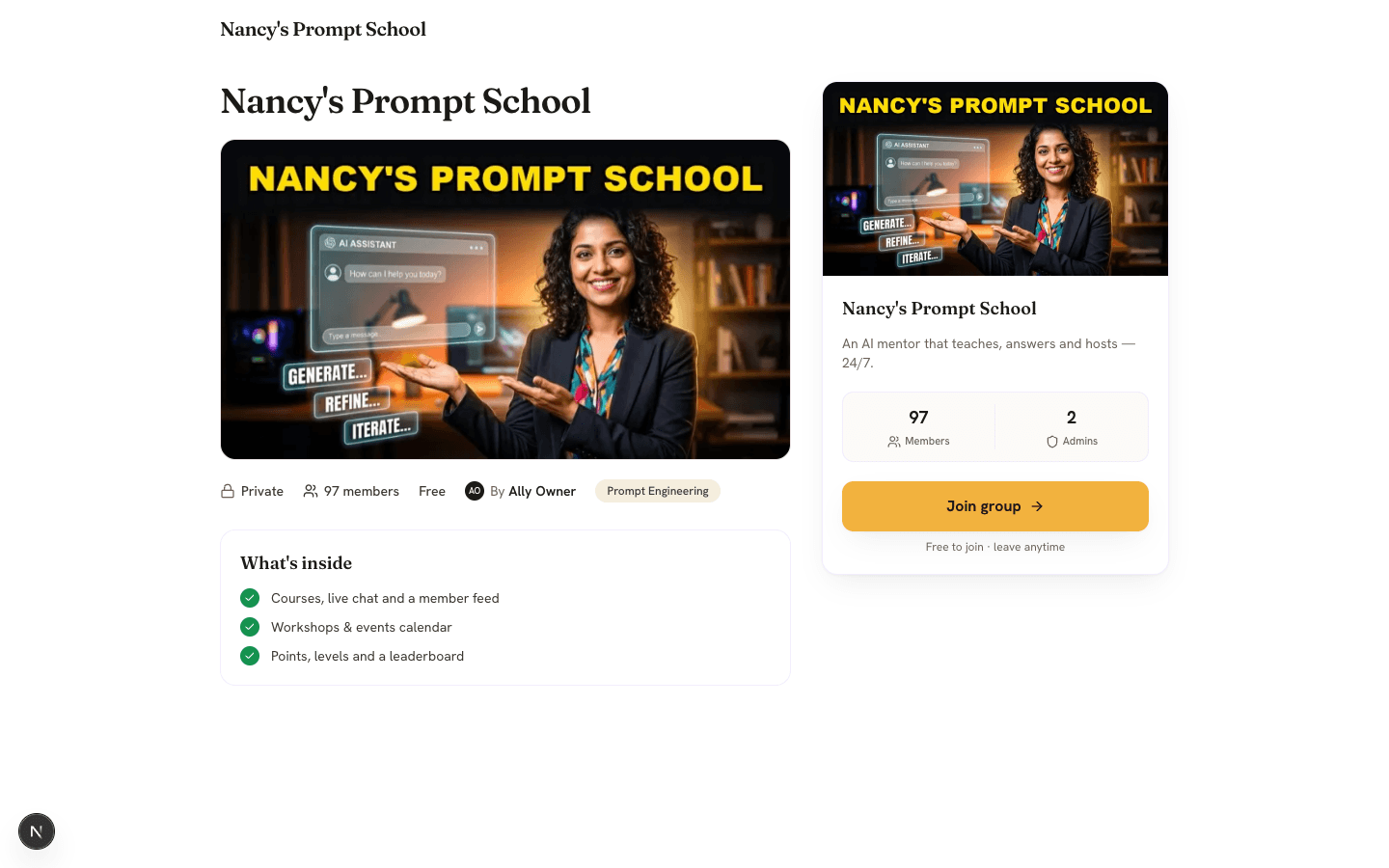
Members use community pages at aiskool.co/c/ plus the community's address. Find one on Discover, read its About page, then select Join group.
Creators also have the Manager workspace. Owners, admins and moderators open it from the avatar menu. Its menu lists Home, About page, AI Brain, AI Agent, Products, Manage, Users, Reports and Billing & AI credits. Member view takes you back to the community.
Get started
- To learn, open Discover and join a community.
- To teach, follow Create your community.
Frequently asked
Does it cost anything to join a community?
What is the difference between a community and the Manager workspace?
Is there a mobile app?
Where do I get help?
Related articles
Create your community
Create a community on AISKOOL, set its name, address, icon and cover, write the About page, list it in Discover and choose free or paid entry.
Sign in, your profile and your account
The three ways to sign in to AISKOOL, what happens the first time, how to edit your profile, and how to sign out or delete your account.
Your AI host: Brain and Agent studio
Teach your AI host with AI Brain, shape its personality in the AI Agent studio, and see what it does and what it costs.
Plans, AI credits and bring your own key
The three plans, how AI credits work, and how to run AI on your own key.
AISKOOL on iPhone and Android
What the AISKOOL app covers, what you still do on the website, how notifications and sign-in work, and where the apps stand today.