
AISKOOL on iPhone and Android
What the AISKOOL app covers, what you still do on the website, how notifications and sign-in work, and where the apps stand today.
The AISKOOL app puts your communities on your phone. This article covers what the app does, what stays on the website, notifications, sign-in and when the apps are available.
Availability
The iPhone and Android apps are rolling out in stages, and we have no public store links to share yet. To ask for early access, email hi@aiskool.co. The app uses the same account and communities as the website.
What the app covers
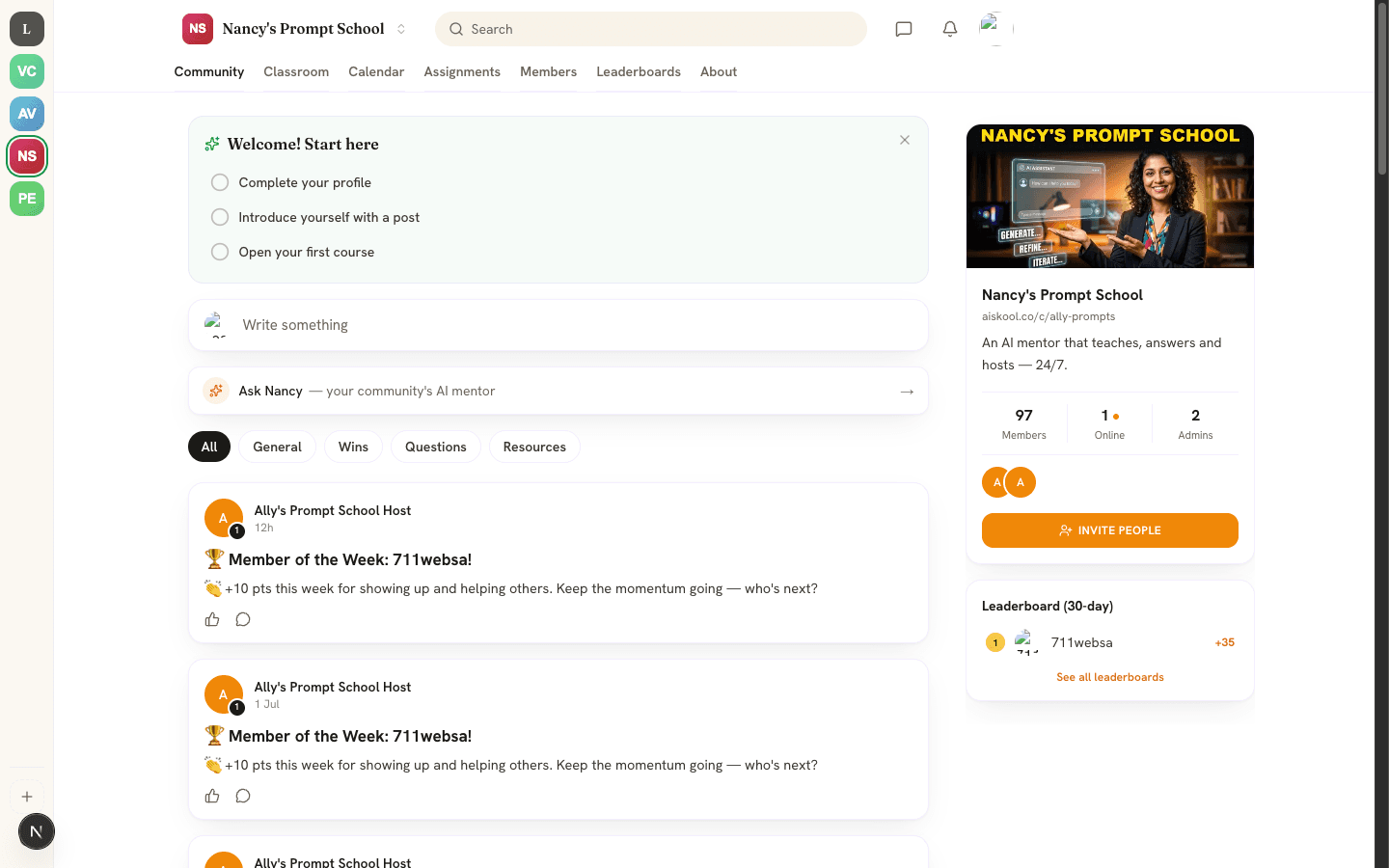
- Members get the Feed (with photos), the Classroom (video, slides and voice-over lessons, quizzes, assignments and certificates), Chat with direct messages, a Calendar you can add to your phone's calendar, the leaderboard and each community's About page.
- Quizzes and assignments can show feedback marked AI coach. Your instructor's grade is the final word.
- Creators open Manage from the More tab. They can approve members, moderate discussions and reported content, build courses by hand or draft one with AI, grade assignments, review quiz results, schedule live classes and message members.
- You can report a post or comment from its Options menu, press and hold a chat message to report it, and block an author.
What stays on the website
The app sells nothing and shows no prices or buy buttons. Subscribing to a plan, canceling it, buying Lifetime or Agency, adding AI credits, connecting Stripe payouts and paying to join a paid community all happen on aiskool.co in your browser. In the app, creators can read their plan, AI credit balance and payout status, but not change them.
Where a paid community or a locked course would be, the app says Not available in the app. Some store accounts instead see a Continue on aiskool.co button that opens your browser. A creator who is out of AI credits sees AI credits can't be added in the app. After you pay on the website, pull down to refresh and the content unlocks.
Notifications
After you sign in, the app explains notifications and asks once. Select Turn on notifications, or Not now to skip. Change it later under Settings, Notifications, Push notifications. If your phone has blocked them, the app shows an Open settings button.
You get a notification for comments and replies on your posts, reactions, direct messages that arrive while you are away, and announcements from a community's owner or admins. Staff also get alerts for new members, join requests and reports.
Signing in on mobile
Use the same email as on the website. The sign-in screen offers:
- Sign in with email and password.
- Email me a code instead, for a 6-digit code. Send a new code waits 30 seconds between sends.
- Continue with Google.
- Sign in with Apple, on iPhone and iPad.
Create an account makes a new account and asks for a code to confirm your email. To sign out or delete your account, see Sign in, your profile and your account.
Frequently asked
Can I pay for a community or buy credits in the app?
What does the app ask permission for?
I signed in with Apple and my communities are missing.
Do creators still need the website?
Related articles
Sign in, your profile and your account
The three ways to sign in to AISKOOL, what happens the first time, how to edit your profile, and how to sign out or delete your account.
What is AISKOOL? A tour of the platform
A tour of AISKOOL: what a community contains, how the AI host works, what is free and paid, and where creators and members each work.
Troubleshooting and FAQ
Fixes for the problems people hit most: sign-in codes, login errors, AI credits, plan limits, missing courses, changed addresses and chat. Also how to report content and reach support.
Plans, AI credits and bring your own key
The three plans, how AI credits work, and how to run AI on your own key.