
Troubleshooting and FAQ
Fixes for the problems people hit most: sign-in codes, login errors, AI credits, plan limits, missing courses, changed addresses and chat. Also how to report content and reach support.
Find your problem below. The last section covers support.
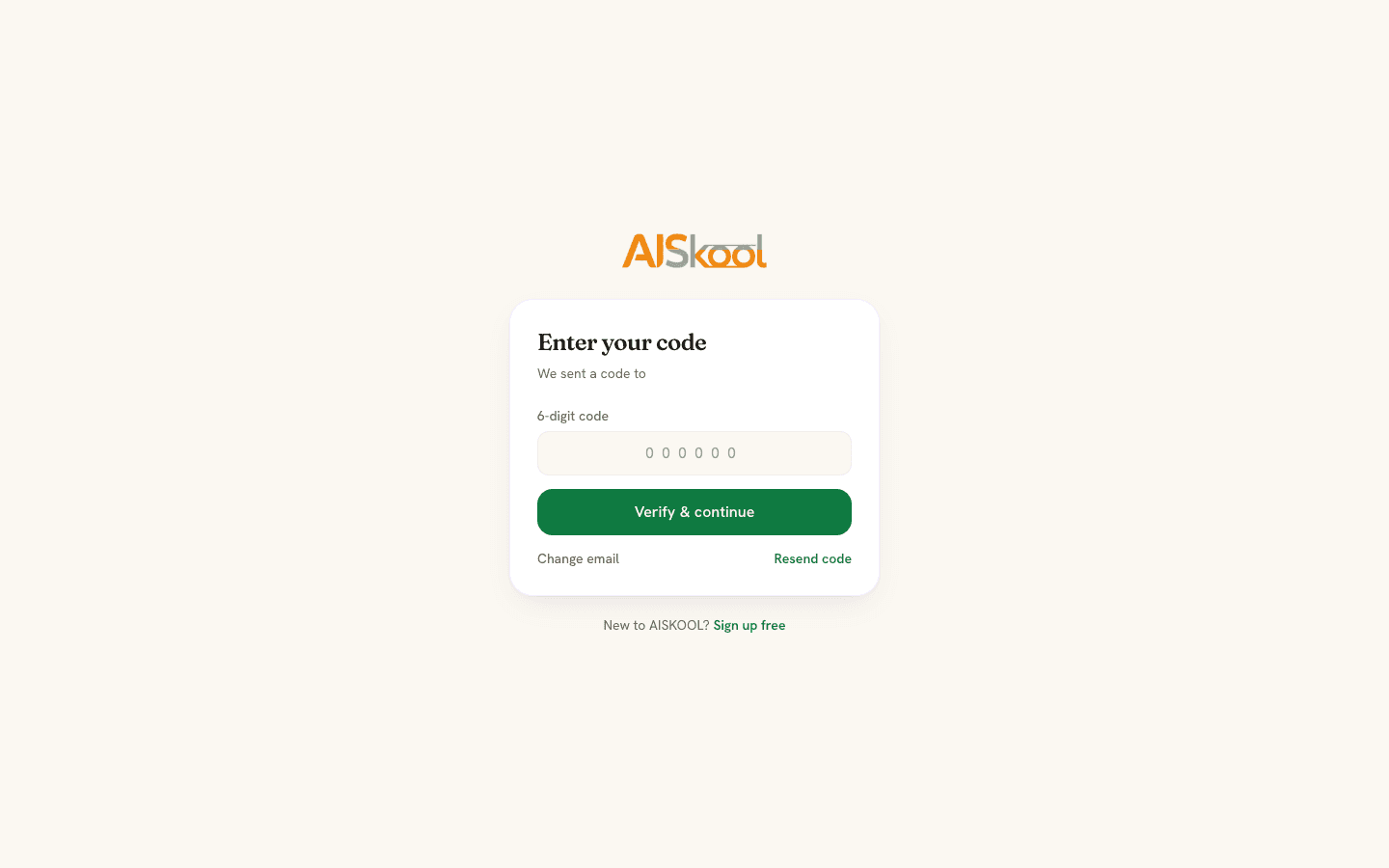
The sign-in code did not arrive
- Check spam and junk. The email comes from
no-reply@aiskool.co, and the code is in the subject line. - Check the address on the screen. If it is wrong, select Change email.
- Wait before asking again. One network can request 3 codes per address in 10 minutes. After that nothing is sent, though the screen still says it was. Your last code works for 10 minutes.
- A code allows 5 tries and lasts 10 minutes. After that, select Resend code for a new one.
too many requestsmeans more than 10 code requests in an hour from one network. Wait, or use Google or a password.
Login says "invalid credentials"
No account has that email and password. Check for typos, then:
- Accounts made with Google or an email code have no password. Use Continue with Google or Email me a code instead, then add a password under Account & security if you want one. If you forgot a password, choose Forgot password? on the login page.
- A new password account must confirm its email first. The page then shows Verify your email.
- Repeated failures show
too many requests. Wait a few minutes.
Out of AI credits
The message Out of AI credits. Buy a credit pack or add your own API key. (error 402) means the community has no AI balance left. Agency, Lifetime and AppSumo communities see Out of pooled AI credits. Add credits or a BYOK key. instead. It stops course generation, lesson AI tools, slides, voice-over and the AI Brain. The monthly grant may be used up ($2 per community, or a shared pool on Agency, Lifetime and AppSumo), or the plan may have lapsed, which means no grant. To fix it:
- Open Billing & AI credits in the Manager workspace.
- Under Buy credits, choose $5, $15 or $50 credits, or the $10 image pack.
- Or add your own key in Settings: OpenAI, Anthropic, Gemini or OpenRouter for text, Google or Flux for images. AI then runs on your key and uses no AISKOOL credits.
The grant resets each month, and purchased credits never expire. With no credits the AI host also goes quiet, and a member who messages it sees Sorry, I can't reply right now. See Plans, AI credits and your own key.
Your plan covers your oldest communities
On /new, Your Lifetime plan covers your 5 oldest communities. Adding another one needs the $9/month plan. means every community your license covers is in use (5 for Lifetime, 1, 3 or 5 for AppSumo). Select Continue and add a card to start a $9 plan with a 7-day trial.
A course or lesson is missing
- Draft. Only owners and admins see draft courses. Members see published ones.
- Paid tier. A course locked to a tier opens a card that says who it is for, with Subscribe to unlock.
- Drip schedule. A module shows
Unlocksand a date until then. - Not a member. Opening a community link before you join sends you to Discover. Join from the About page.
A community address changed
Owners can change the address twice. Links to aiskool.co/c/old-name and aiskool.co/old-name redirect to the new address. If a saved link to an inner page fails, use the community switcher or the new address.
Chat will not load
Couldn't load this conversation. Check your connection and try again.Then open the channel again.Your session expired. Refresh the page and sign in again.Log in again.You are no longer a member of this community, or your session ended.Sign in again. If you were removed, contact the community's owner.Message not sentmeans the connection dropped. Your text stays in the box. Send it again.
Report content and get help
On the website, use the ... menu beside a chat or direct message, or the flag button on a post or comment, and choose Report. Pick Spam, Harassment, Inappropriate or Other. The app lets you report the same things.
Moderators review reports under Manage, Reported content, on the web and in the mobile app. The Reports page in the web Manager workspace shows revenue and activity, not reports. Staff can remove any post from Discussions.
To reach support, email hi@aiskool.co or use the contact page. Include your account email and what the screen said. We usually reply within 1 to 2 business days.
Frequently asked
How do I cancel the $9 plan?
How do I cancel a paid membership?
Where are the refund rules?
Related articles
Sign in, your profile and your account
The three ways to sign in to AISKOOL, what happens the first time, how to edit your profile, and how to sign out or delete your account.
Plans, AI credits and bring your own key
The three plans, how AI credits work, and how to run AI on your own key.
Members, roles and moderation
How people join your community, what each role can do, and how to remove, ban, report, hide and block.
Create your community
Create a community on AISKOOL, set its name, address, icon and cover, write the About page, list it in Discover and choose free or paid entry.