
Paid tiers and getting paid with Stripe
Connect Stripe, create membership tiers, charge for joining or lock a course, and see how each payment is split.
This article covers how to start charging members: connect Stripe, create a tier, require payment to join or lock a course, and what the split looks like. Do these steps on aiskool.co. The mobile app only shows your billing.
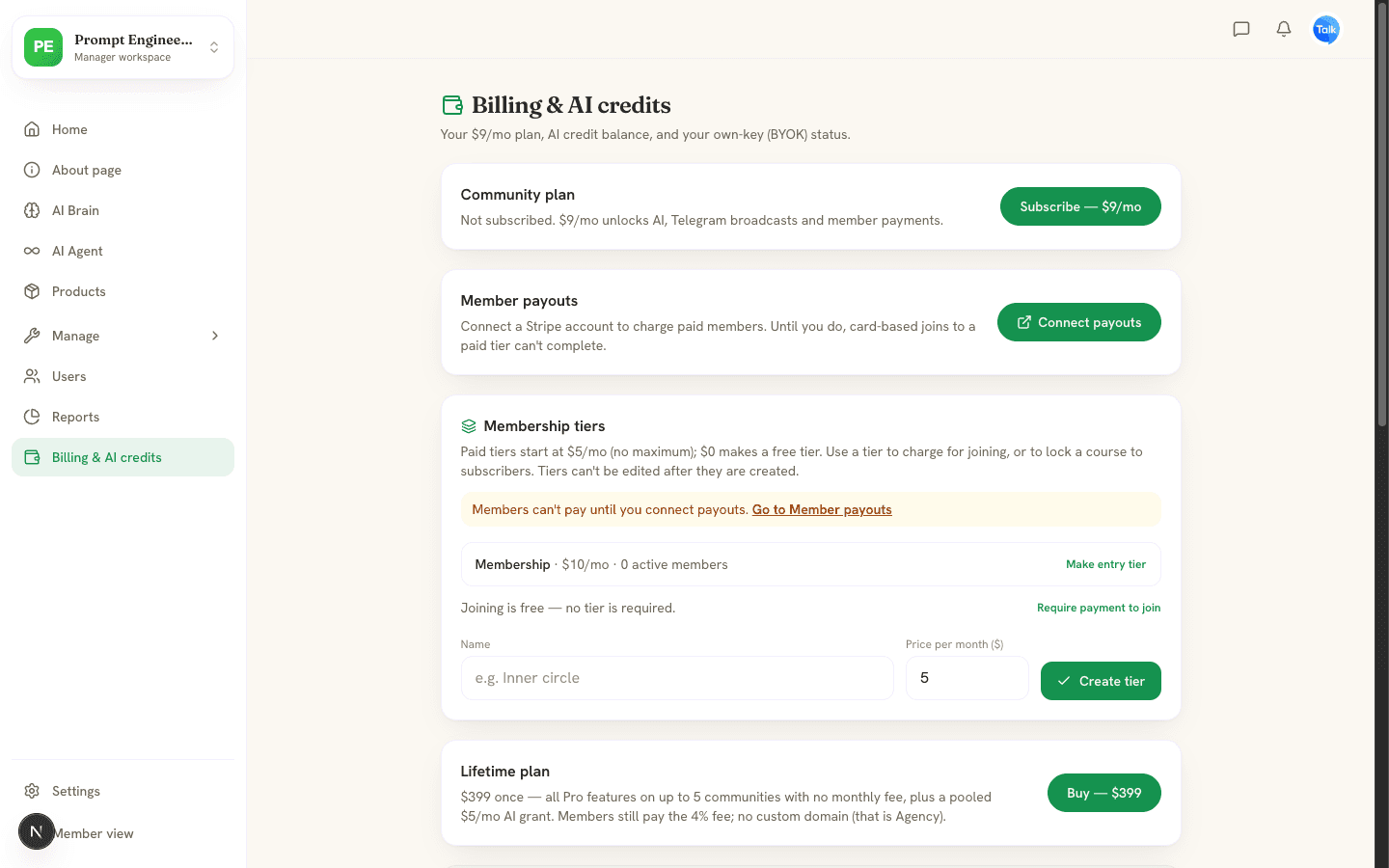
Connect payouts
- Open Billing & AI credits in the manager workspace.
- Under Member payouts, choose Connect payouts. Only the community owner can do this.
- Complete Stripe's setup form. Stripe sends you back to AISKOOL when you finish or leave.
- Open the Billing page again. It shows Connected when Stripe is ready, or Finish setup if Stripe still needs details.
Until payouts are connected, members cannot pay by card to join a paid tier. Money from member payments goes to your Stripe account. When it reaches your bank is Stripe's schedule, and you set that schedule in your Stripe account.
Create a tier
- On the same page, find Membership tiers.
- Enter a Name and a Price per month ($).
- Choose Create tier.
Paid tiers start at $5 a month with no maximum. A price of $0 makes a free tier. Prices are in US dollars. Tiers cannot be edited after you create them, so to change a price, create a new tier.
Charge for joining
Choose Require payment to join under Membership tiers, or use the same option under Membership & access in Settings. Pick an Entry tier, or AISKOOL uses your cheapest paid tier. AISKOOL will not turn this on until payouts are connected and a paid tier exists.
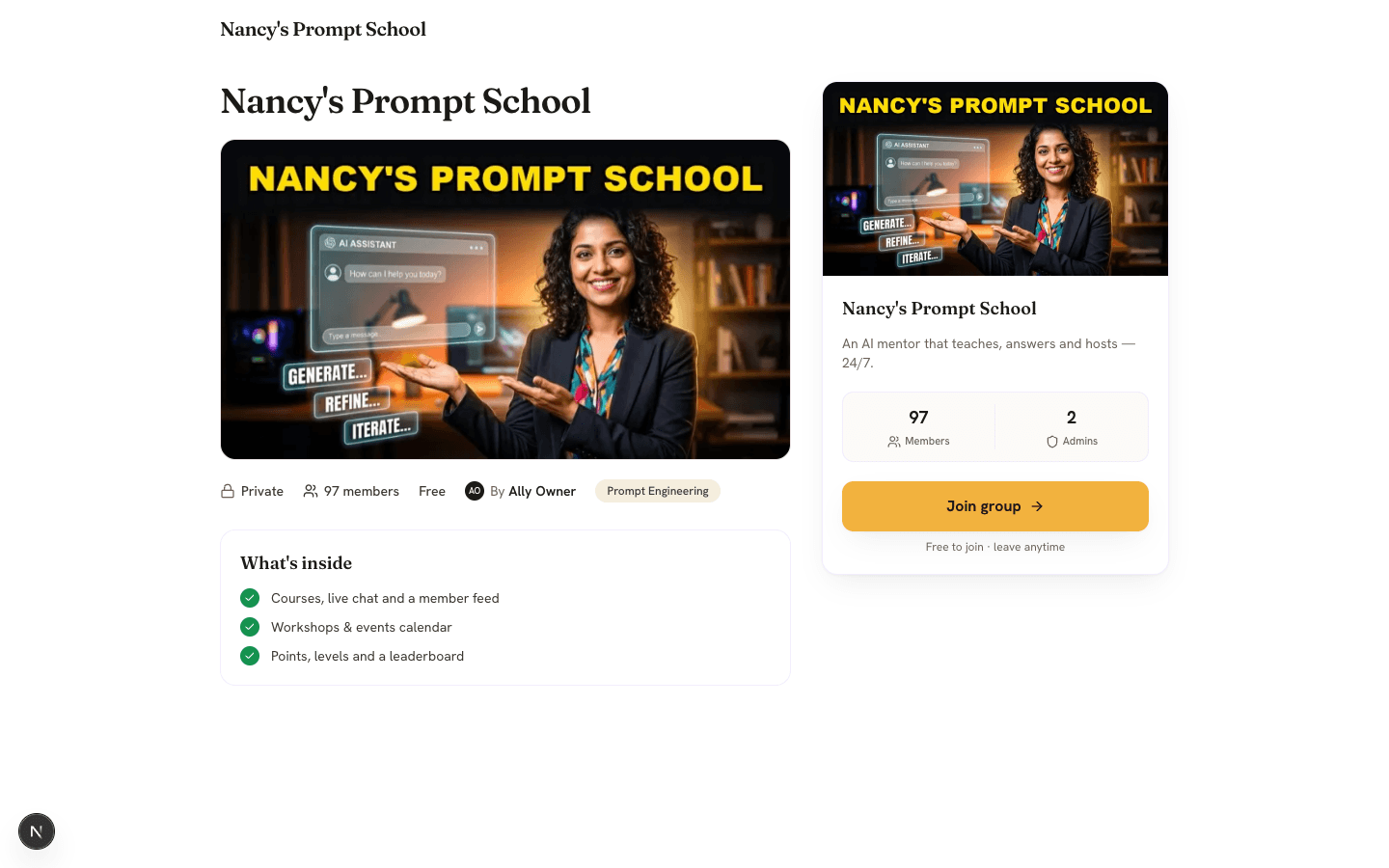
Members open Stripe Checkout first and join once the payment succeeds.
Lock a course to a tier
Open a course in the editor, go to the Information tab and set Who can access to one of your tiers. Members without that tier see a lock card with Subscribe to unlock. Staff can always open it. Courses set to Everyone in the community (free) stay open.
How each payment is split
Stripe's processing fee comes off first. The rest is split 96% to you and 4% to AISKOOL, on every plan. Stripe's fee is counted at its standard US card rate of 2.9% plus 30 cents.
For example, a member pays $10. The Stripe fee is $0.59, which leaves $9.41. You receive $9.03 and AISKOOL keeps $0.38.
Referral rewards
In Settings, turn on Enable referral rewards for this community under Referral program. Anyone who refers a paying member then earns 25% of that member's payment each month, after Stripe's fee. It comes out of your share. In the example, the referrer earns $2.35 and you receive $6.68. Free joins never cost you. Referrers earn platform credits for those.
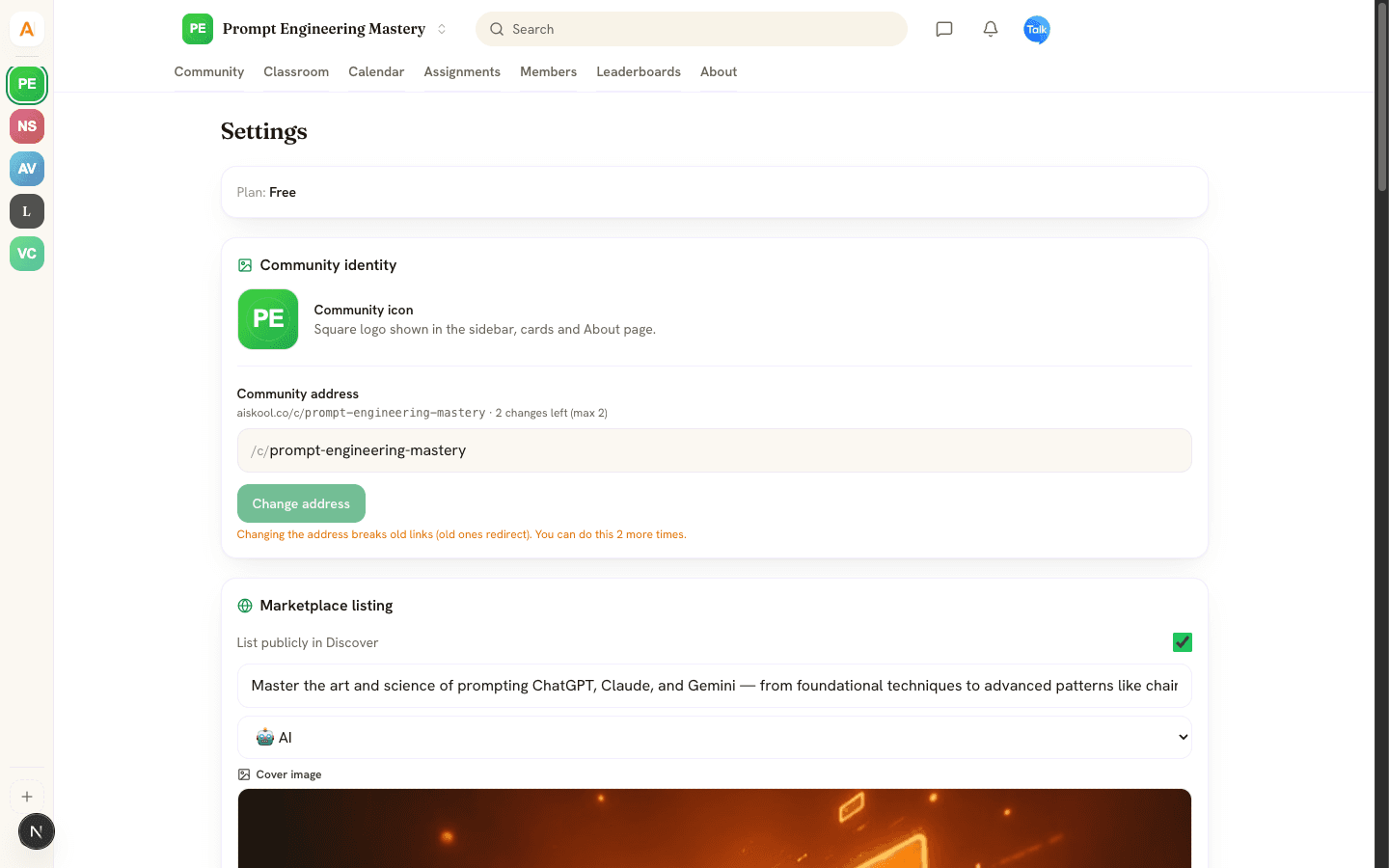
Referrers see their earnings on the Wallet page, under Referrals & Earnings. Cash is held for 30 days, and withdrawals start at $50.
What members see
- Paid community: a Join button with the price, Stripe Checkout, then a confirmation that the membership is active.
- Locked course: a card naming the tier and its price.
- Canceling: the avatar menu has Cancel paid membership. They keep access until the end of the period they paid for, then their membership ends.
- Refunds: you handle refunds for member payments under your own policy. See the Refund & Cancellation Policy.
Frequently asked
Can an admin connect payouts?
Can I offer annual prices or discount codes?
Why can't I turn on Require payment to join?
Related articles
Plans, AI credits and bring your own key
The three plans, how AI credits work, and how to run AI on your own key.
Members, roles and moderation
How people join your community, what each role can do, and how to remove, ban, report, hide and block.
Build a course with AI
Generate a draft course from a topic or a document, then edit it, add slides and voiceover, set who can open it and publish.